




At first glance, a DIY AV project can look like the smarter deal. Hardware is easier than ever to buy online, setup videos are everywhere, and many products promise simple plug-and-play installation. For a small, single-room setup, that can sometimes be true. But once a project moves beyond a basic display and soundbar, the question changes from “Can I install this?” to “Can I make all of this work together reliably, now and later?”
That is the real dividing line between DIY and professional integration. A DIY project can save money upfront, especially when the scope is small and the user is comfortable troubleshooting. A professionally integrated system usually costs more at the beginning, but it often delivers stronger system design, cleaner installation, faster commissioning, better documentation, and a much easier path for support and future expansion.
Where DIY Works Well
DIY can make sense when the project is simple, self-contained, and not mission-critical. A single conference display in a small office, a modest classroom refresh, or a straightforward streaming setup with minimal routing may be perfectly manageable for a technically confident user. In those cases, the main advantages are obvious: lower initial labor cost, faster decision-making, and direct control over the process.
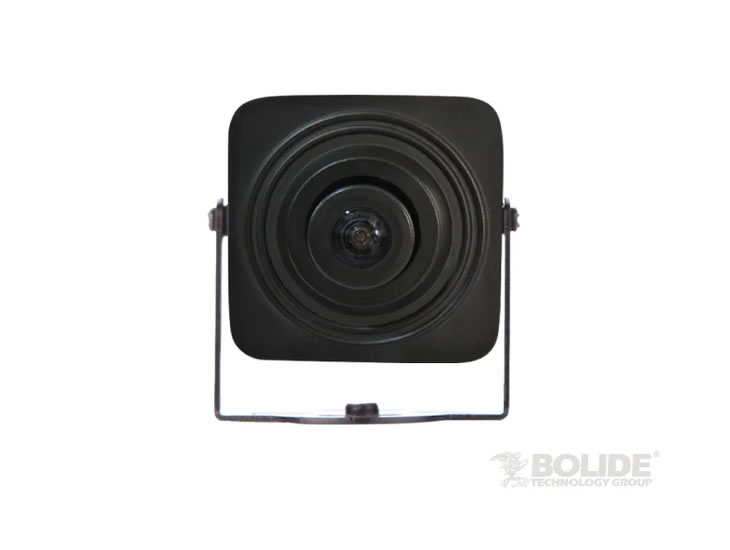
The catch is that DIY tends to work best when there are very few dependencies. Once the system includes multiple sources, control platforms, audio processing, PTZ cameras, USB extension, networked AV, room automation, or support requirements across multiple users, complexity rises quickly which means far more time spent trouble shooting and learning how to integrate them. Professional installation becomes more valuable when setup requirements are complex, when compatibility matters, and when future upgrades and support are important.
Where Professional Integration Earns Its Cost

The biggest value a professional integrator brings is not just installation labor. It is system design.
A good integrator starts with how the room or facility needs to function, then works backward into signal flow, control logic, network needs, cable paths, mounting, acoustic considerations, and future growth.This matters because many AV problems are not caused by bad products. They are caused by incomplete planning.
Professional integration also tends to reduce the hidden cost of troubleshooting. For example, you can take a huge organization like Crestron and see how their support explicitly highlights ongoing troubleshooting, diagnostics, hardware, software, and firmware support as core needs in integrated systems. This means that a modern AV install is rarely “set it and forget it.” Systems need updates, monitoring, and occasional intervention. When an integrator has already documented the system, standardized the programming, and validated the workflows, support becomes much faster and less expensive than untangling a one-off DIY build months later.
The Cost Comparison People Miss

DIY usually wins the upfront cost comparison. Professional integration often wins the total cost of ownership comparison.
That is because the true cost of an AV project is not just what is spent on day one. It is also the time spent researching compatibility, redoing cable runs, replacing the wrong products, fixing signal-handshake issues, dealing with control problems, adjusting the network, and supporting confused users after the install. Those costs are easy to underestimate because they arrive in pieces rather than in one proposal line item.
There is also a broader pattern here. Parks Associates research cited by CE Pro found that 44% of smart home device owners had used a professional for at least one installation, and 29% ultimately turned to professionals even after attempting DIY first. The same report also found a satisfaction gap: smart cameras installed professionally earned a Net Promoter Score of 49 versus 41 for self-installed units. That is not a pro AV-only study, but it is a useful signal that as systems become more integrated, professional help tends to produce better outcomes and higher satisfaction.
Common Failure Scenarios in DIY AV Projects
The most common DIY failure is not catastrophic. It is cumulative.
A room might technically work, but only if people follow a fragile sequence. The display has to be powered on before the switcher. The USB extender only works after a reboot. The camera preset is wrong because no one saved the final position. Audio is present in the room but not in the far-end call. A source works on one input but not another because EDID or HDCP behavior was never properly managed. None of those problems look dramatic in a shopping cart, but they create the kind of daily friction that makes users hate the room.
Networked systems add another layer of risk. System designers must account for interdependencies between audio, video, control, and networking. In other words, the more custom and improvised the system becomes, the more technical debt it tends to carry.
A Practical Side-by-Side Example
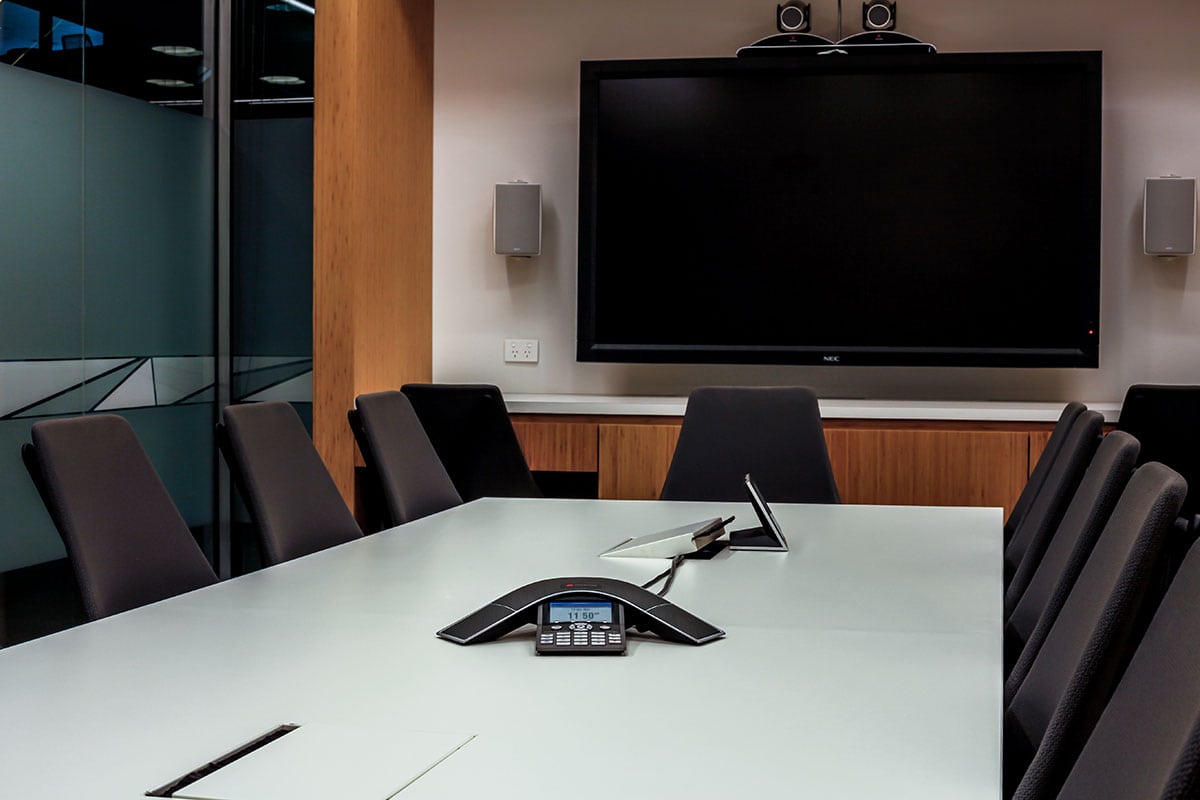
Imagine a small huddle room with one display, one USB conference camera, and a soundbar. That is a classic DIY candidate. A capable internal IT person can often get that running, and the risk is manageable because there are not many moving parts.
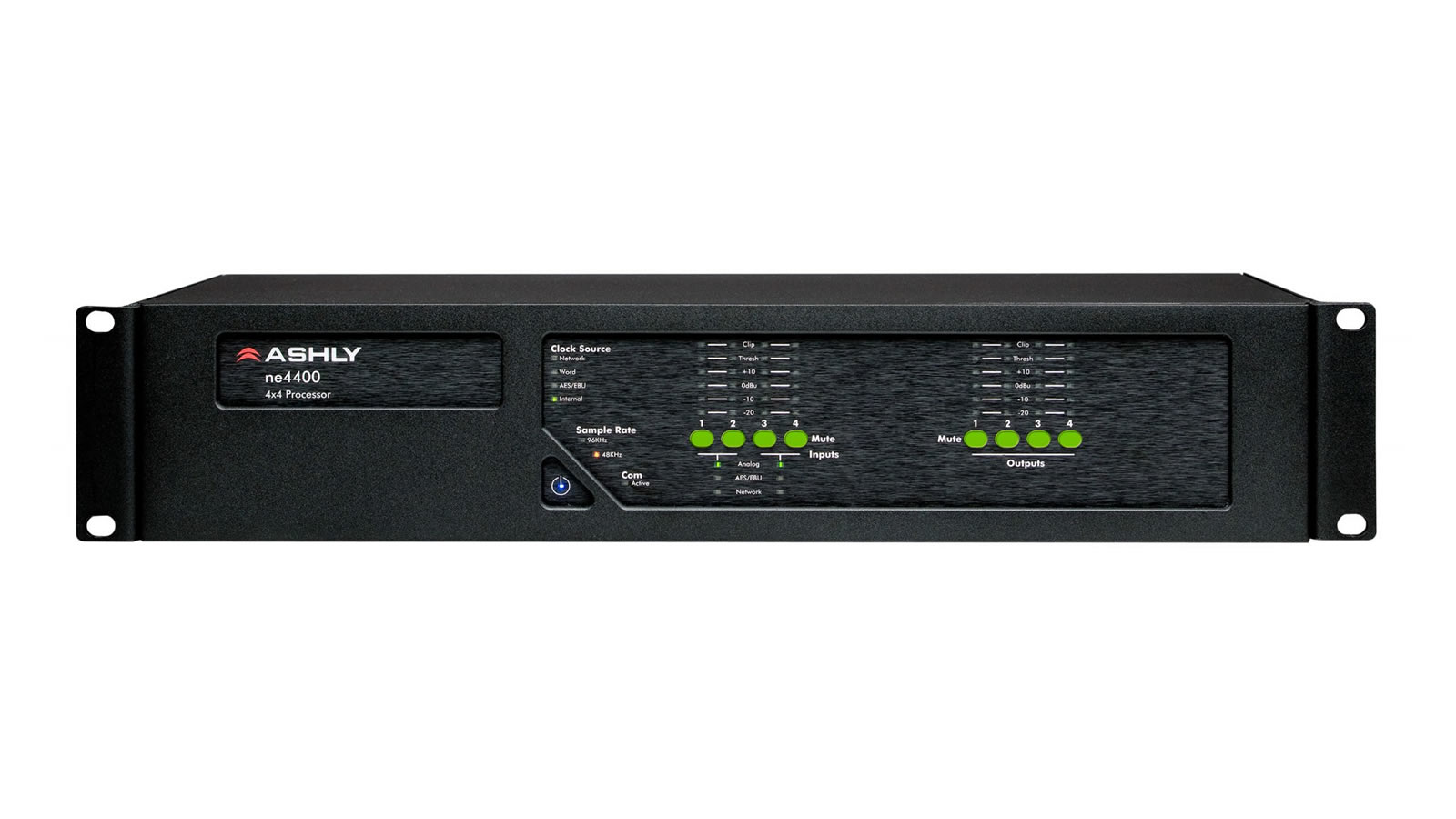
Now imagine a divisible training room with dual displays, a switcher, ceiling microphones, DSP, PTZ cameras, USB bridging, touchpanel control, recording, overflow displays, and room combine mode. That is not just more gear. It is a different category of project. Signal flow, control logic, audio tuning, network configuration, and user workflows all have to line up. If they do not, the system may still turn on, but it will not behave predictably. That is where professional integration usually pays for itself.
Scalability Is Where DIY Often Breaks Down
One of the biggest mistakes in DIY AV is building only for today.
It is common to design a room around the exact number of current inputs, current users, or current workflows, only to discover later that another display is needed, a lecture capture workflow has been added, remote management is required, or the organization wants to standardize the same room type across multiple spaces. Reliability and scalability should be something designed around instead of being afterthoughts. Professional integrators are usually thinking about those questions from the beginning. DIY projects often are not.
That difference becomes even more important at scale. One improvised room can be annoying. Ten improvised rooms can cripple an organization.
So Which Approach Is Right?
If the project is small, non-critical, and unlikely to expand, DIY can be a reasonable path. It works best when the owner is comfortable spending time on setup, testing, and ongoing troubleshooting, and when occasional downtime is acceptable.
If the project supports a business, classroom, public venue, multi-room environment, or any workflow where uptime and ease of use matter, professional integration is usually the better bet. The added value comes from design discipline, cleaner implementation, faster troubleshooting, better support, and a system that can grow without being rebuilt from scratch.
The Bottom Line
DIY saves money when the project is simple enough to stay simple. Professional integration becomes the smarter investment when the system needs to be reliable, support multiple users, scale over time, and work without daily babysitting.
The practical question is not whether a project can be done DIY. It is whether that approach will still look like the right decision six months later, after the first support call, the first expansion request, or the first important meeting that depends on the system working perfectly.
That is usually where the difference shows.