




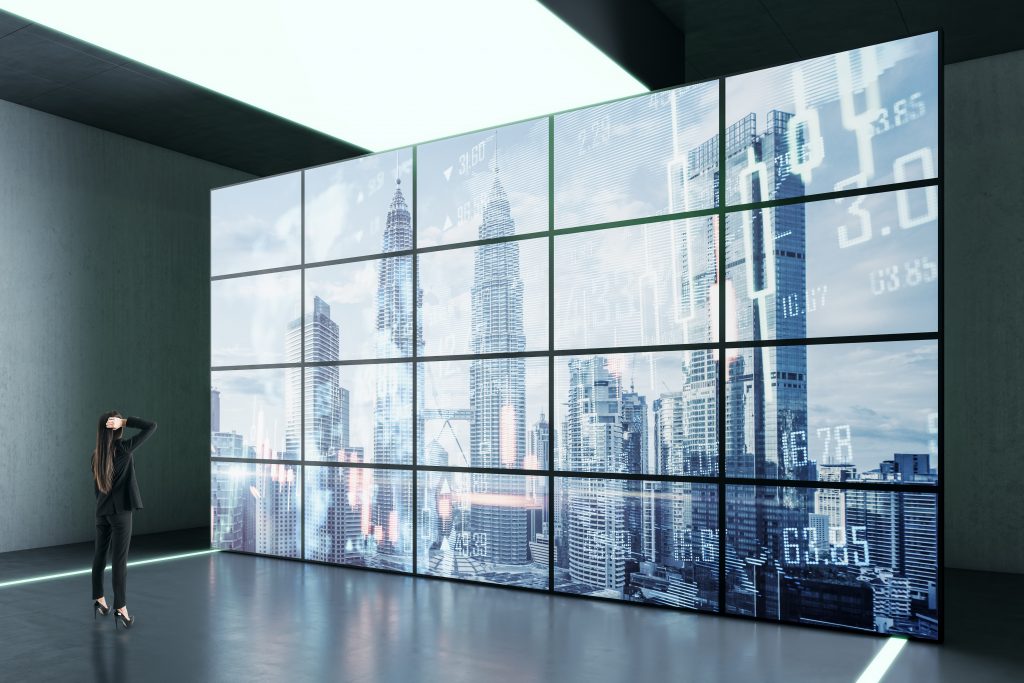
A video wall is one of the most visible things an integrator can put in front of a client. It is the centerpiece of a lobby, the heartbeat of a command center, the backdrop of a broadcast set. When it works, it looks effortless. When it does not, every seam, stutter, and color shift is on display for everyone in the room. That visibility is exactly what makes video wall projects unforgiving — small decisions made early in the design show up as big problems on the wall.
The good news is that most video wall failures are not exotic. They trace back to a handful of recurring mistakes, and each one is avoidable with the right planning. Here is a look at the five that come up most often, and how to design around them before they reach the install date.
1. Underestimating Bandwidth and the Signal Pipeline

The most common mistake is treating a video wall like a bigger television. It is not. A wall is a distribution problem, and the source has to feed every display with enough data to fill the canvas without choking.
This matters because pixel counts add up fast. A 3×3 array of 4K panels is not a 4K system — depending on how content is mapped, it can demand far more than a single 4K source can deliver. Push that signal over an under-spec’d cable or a switch that cannot handle the throughput, and the result is dropped frames, black tiles, or HDCP handshake failures that take down the whole wall.
The fix is to design the entire signal chain to the resolution and refresh rate you actually intend to display, not the one that happens to be convenient. That means specifying HDMI 2.1 or HDBaseT links rated for the bandwidth, verifying HDCP compatibility end to end, and confirming that any matrix switcher or AV-over-IP encoder in the path can carry the load. For larger or distributed walls, AV-over-IP platforms give you the headroom and flexibility that point-to-point HDMI runs cannot — the BZBGEAR BG-IPGEAR-PRO-R, for example, decodes 4K60 HDMI over a standard IP network with built-in video wall support and PoE, and scales by simply adding more receiver units. Just as important is verifying the pipeline before the client is watching: a dedicated test pattern generator lets you confirm resolution, HDCP, and signal integrity end to end rather than discovering a handshake problem on the wall.
2. Ignoring the Bezel and Content Mapping
There are two layers to getting this right. The first is hardware selection: choosing panels with bezel widths appropriate to the viewing distance and the content. A data dashboard viewed up close is far less forgiving than a video canvas seen from across a lobby. The second is the video wall processor, which has to be told the exact physical dimensions and bezel offsets of the array so it can compensate. A processor like the BZBGEAR BG-UHD-VW29, a 3×3 4K controller, includes a dual-mode bezel compensation feature for exactly this reason. It is far from the only choice: the Key Digital KD-VW4x4ProK compensates by removing pixels from each border independently across five wall layouts, while the Gefen EXT-UHD600A-VWC-14 splits a single 4K source pixel-by-pixel across four displays with bezel correction that adjusts to any frame width. When this is configured correctly, a moving object travels across the seams naturally, as if passing behind a window mullion, rather than jumping.
This is also where the LED-versus-LCD decision earns its keep. Direct-view LED walls eliminate seams entirely and are increasingly the choice for high-end and front-of-house installs, but they bring their own considerations around pixel pitch and viewing distance. The mistake is not picking one technology over the other — it is failing to match the display technology and bezel strategy to how the content will actually be viewed.
3. Skipping the Processing and Control Layer
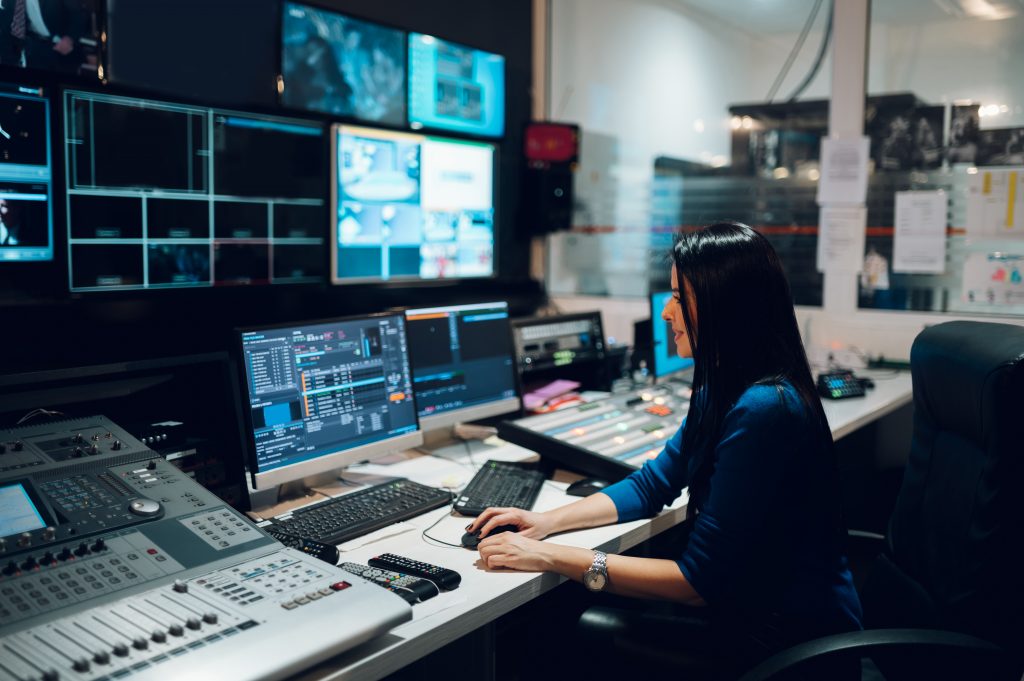
The processor is what lets a wall show one giant image, or split into independent zones, or drop a window of live content into a corner while the rest of the canvas runs something else. If the controller cannot handle the number of inputs, the windowing flexibility, or the resolution the client needs, you are back on site swapping hardware. This is especially true in command-and-control rooms, broadcast environments, and operations centers, where the requirement is rarely “show one thing” and almost always “show many sources, rearranged on demand.”
The fix is to scope the processing and control layer to the workflow, not just the wall. Map out how many sources need to appear simultaneously, whether layouts need to change throughout the day, and who is going to drive it. For source-heavy environments, an all-in-one matrix, video wall processor, and multiviewer earns its place. The BZBGEAR BG-4K-VP1616 is a true 16×16 unit that routes any of sixteen 4K60 sources to any output while running seamless switching, video wall, and multiview modes — displaying up to sixteen sources per screen in picture-in-picture or quad-view layouts, with bezel correction and TCP/IP or app-based control built in. Other carried options, such as the Kramer VW-9, take a similar all-in-one approach across four inputs and up to ten outputs. Whatever you choose, multiple control paths — Ethernet and web UI, RS-232, third-party control — future-proof the wall for requirements that surface after the install, which they almost always do.
4. Mounting and Serviceability as an Afterthought
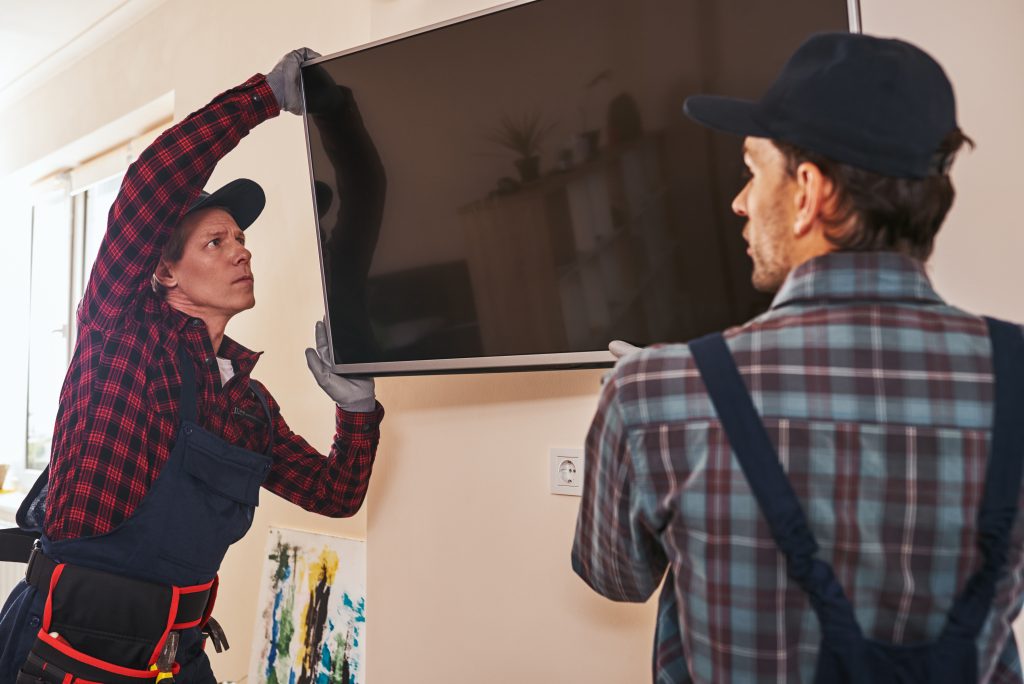
Alignment is the first casualty. Panels in an array have to sit perfectly coplanar and evenly spaced, which is why purpose-built video wall mounts with fine micro-adjustment and pop-out service access exist. Skip them in favor of generic flat mounts and you inherit uneven seams and a wall you cannot service without dismantling. Then there is heat: a tightly packed array of displays running all day needs ventilation, and an enclosure or recessed design that traps heat will shorten panel life and trigger thermal shutdowns.
Serviceability is the part installers regret cutting most. When a single panel in the middle of a 5×5 wall fails — and over a long enough timeline, one will — you need to reach it without pulling the entire array. Designing for front or pop-out access from the start turns a multi-hour ordeal into a five-minute swap. That is the real dividing line between a wall that is easy to live with and one that becomes a recurring service call.
5. Treating Calibration and Commissioning as Optional
The final mistake happens at the very end, when the temptation to call the job done is strongest. The panels are up, the image is on, and it looks fine — so the wall ships without color matching, without uniformity calibration, and without a documented commissioning pass.
The problem is that displays drift. Two panels off the same production line can show measurably different color and brightness out of the box, and that mismatch becomes glaring across a unified canvas, especially on flat brand colors or skin tones. Proper calibration brings every panel into agreement, and on professional walls it is an ongoing consideration, not a one-time event. Commissioning — verifying every source, every layout, every failover, and documenting it — is what ensures the wall does on day 200 what it did on day one. A dedicated signal generator and analyzer turns that verification into a repeatable, documented test rather than a judgment call by eye.
This is also the handoff moment. A commissioned wall comes with documentation the client’s team can actually use, signal-flow diagrams, and a tested set of presets. Skipping it does not save time; it just moves the work to an emergency call later.
Getting the Wall Right the First Time
None of these mistakes are about a lack of skill. They are about planning — designing the bandwidth, the bezels, the processing, the mounting, and the commissioning as one connected system rather than five separate decisions made under deadline pressure. A video wall rewards that kind of thinking, because every part of it is on display.
At AVProSupply, we have helped integrators specify these systems across command centers, houses of worship, broadcast sets, and corporate lobbies, and the projects that go smoothly are almost always the ones where the hard questions were asked early. If you are scoping a video wall and want a second set of eyes on the signal chain, the displays, or the control layer, that is exactly the kind of conversation worth having before the panels are on the wall — not after.