Start typing to see results...
Find the perfect solution
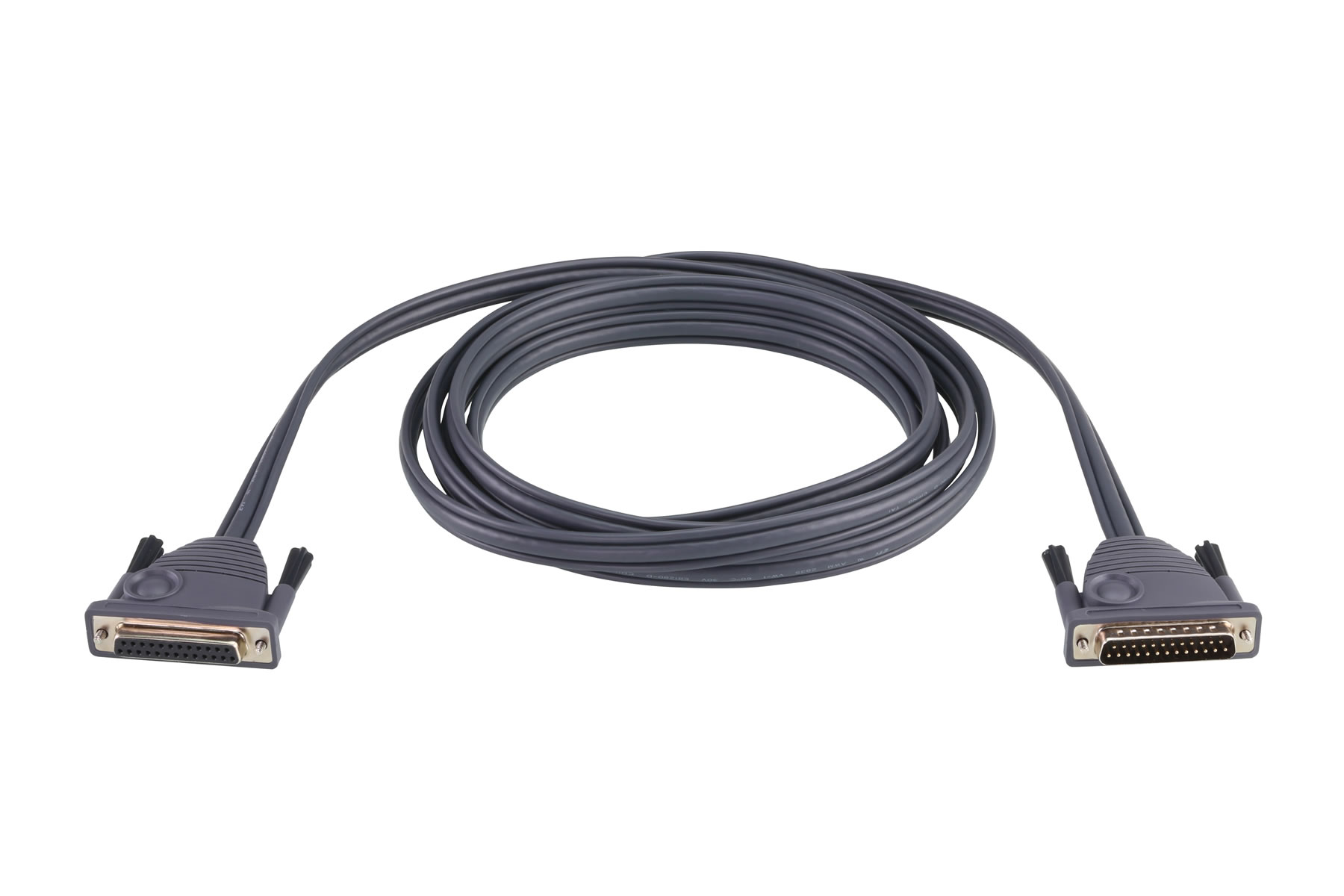
Cables interconnect every component in an AV system, carrying analog or digital signals between sources, processors, switchers, amplifiers, and displays. The right cable matches the signal format used by the equipment on each end (HDMI, DVI, VGA, SDI, component, composite, audio, USB, network, fiber), provides enough bandwidth for the resolution and refresh rate in use, and meets the jacket and fire-code requirements for the installation environment.
The AV market spans many different signal formats. Digital video uses HDMI (most common), DisplayPort (PCs and workstations), DVI (legacy commercial and medical), and SDI (broadcast). Analog video still uses VGA, component, composite, and S-Video in legacy installations. Audio uses XLR (balanced pro), TRS (line-level and headphone), RCA (consumer and SPDIF coax), TOSLINK (digital optical), and dozens of specialty connectors. Networking uses CAT5e/6/7 for Ethernet and AV-over-IP, plus fiber optic for long-distance and high-bandwidth runs. Power, control, and specialty signals add to the mix.
Cables are essential in homes, businesses, live events, hospitals, military and industrial installations. A home theater receiver needs cables to every source and display. A sports bar with many TVs needs distribution cables and runs to each screen. Large infrastructure projects like parking garages and warehouses need long cables for security cameras and paging. In nearly any commercial environment, the cable plant is the foundation that makes everything else work.
The National Electrical Code (NEC) and similar regulations in other countries dictate cable jacket types based on installation location. In-wall installations require CL2 or CL3-rated cable. Plenum spaces (return-air ceiling spaces in commercial buildings) require CMP plenum-rated cable, whose jacket produces minimal toxic smoke when burned and is critical for fire safety. Outdoor underground runs need direct-burial cable with a UV-resistant, water-blocking jacket. Local building codes and fire marshals enforce these requirements; using the wrong jacket type can fail inspection and is a serious life-safety hazard.
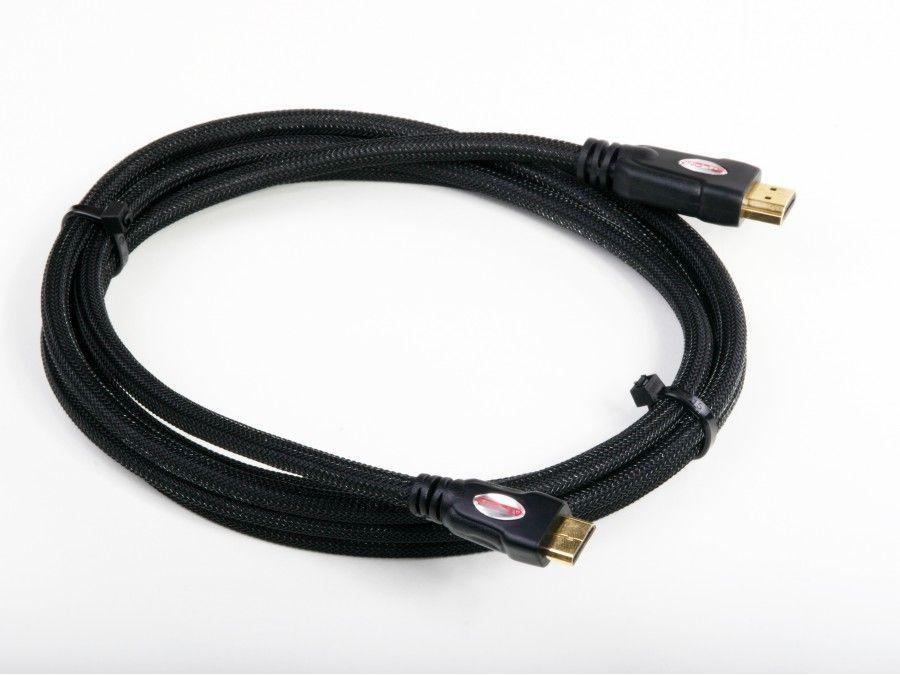
Cable length affects signal quality, especially for high-bandwidth digital signals. A typical example: HDMI cables longer than 50 feet often will not pass 4K reliably on passive copper, and may not pass the signal at all. The right approach for long runs is either active HDMI cable (with built-in signal regeneration), HDMI over fiber optic (which goes 100+ meters), or an extender pair using HDBaseT, AV-over-IP, or fiber. The same considerations apply to other digital interfaces: shorter passive runs work fine, longer runs need active or extended cabling.
Cables connect source equipment to switchers and matrix routers, then to displays, projectors, and audio systems. They run between camera, capture device, and recorder in broadcast. They feed microphones to mixers and amplifiers to speakers in live sound. They link CCTV cameras to recording servers in security. They carry the network and AV signals that make modern installations possible. Every category in this section addresses a specific signal type and installation context.
The differences are the jacket material's fire and smoke ratings, which determine where the cable can legally be installed. CL2 and CL3 are in-wall ratings required for cable run through walls and ceilings in residential and most commercial buildings; CL3 has slightly higher voltage and burn ratings than CL2. Plenum-rated cable (CMP for communications) is required for return-air spaces above suspended ceilings in commercial buildings, where forced-air HVAC moves air through the ceiling cavity. Plenum jackets produce minimal toxic smoke when burned, which is critical for life safety because smoke that enters the air-handling system spreads through the building.
About 25 to 50 feet (8 to 15 meters) for passive copper HDMI cable, depending on resolution. At 1080p, 50 feet is usually fine. At 4K at 60 Hz, signal degradation often appears beyond 25 feet, and at 4K HDR 18 Gbps, even sooner. For longer runs, three options work: active HDMI cable with built-in chips that regenerate the signal (good to about 100 feet); HDMI active optical cable (AOC) that uses fiber for the long middle of the cable (good to 100+ meters); or an HDMI extender pair using HDBaseT, AV-over-IP, or fiber to carry the signal over standard network cable or fiber.
Optical (fiber) cables carry signals as light through glass or plastic fiber; copper cables carry signals as electrical current through metal wire. Fiber is immune to electrical interference, supports much longer distances without signal loss (kilometers vs. meters), and handles higher bandwidth easily. Copper is less expensive, easier to terminate in the field, and easier to splice and repair, which is why it dominates most installations under 100 meters. For high-bandwidth long-distance runs, fiber is the right choice; for everything else, copper is usually simpler and cheaper.
Balanced cables (XLR, TRS) use three conductors and cancel out electrical interference picked up along the cable run. They are standard in pro audio, broadcast, and any installation with cable runs longer than a few meters or near electrical noise. Unbalanced cables (RCA, TS) use two conductors and work fine for short runs in clean environments. The audible difference for short runs is minimal; for long runs in noisy environments, balanced is far quieter. Many devices accept both types and switch internally.
Choose copper (CAT5e, CAT6, CAT6a, or coax depending on signal type) for runs under about 100 meters with standard bandwidth requirements; choose fiber for runs over 100 meters, for very high-bandwidth applications (4K HDR over long distances, multi-channel AV-over-IP), for installations near sources of electrical interference, or where the cable path crosses property lines or buildings. Fiber is more expensive per foot and harder to terminate in the field, but the run distance, bandwidth, and noise immunity are unmatched. Most installations use copper for short runs and fiber for the long backbone.
Everywhere. Source equipment connects to switchers and matrix routers, then to displays, projectors, and audio systems through the right cable for each interface. Cables run between camera, capture device, and recorder in broadcast production. They feed microphones to mixers and amplifiers to speakers in live sound. They link CCTV cameras to recording servers in security. They carry the network signals that make AV-over-IP work. The right cable in the right jacket, properly terminated and at the right length, is the foundation of every working AV installation; cable problems are the single most common source of system failures.

On order over $300 and more for US and US territory

We Offer a 30-Day Money Back Guarantee

Full manufacturer's warranty and quality assurance

Safe checkout with trusted payment providers