Start typing to see results...
Find the perfect solution
Cameras and Streaming brings together the equipment used to capture video and audio and deliver it to live audiences, recording systems, or online viewers. This includes conference and webcameras for video conferencing, professional HDMI and SDI cameras for broadcast and live production, dedicated streaming cameras with built-in encoding, capture cards that bring camera signals into computers, and the software and licenses that drive streaming and production workflows.
Conference and webcameras are designed for video conferencing rooms and remote-meeting applications. They include USB conference cameras that plug directly into a laptop or room PC, PTZ (pan-tilt-zoom) cameras that can be remotely positioned for different room layouts, ceiling-mount conference cameras with built-in microphones and tracking features, and webcams for individual desktop or hot-desk use. Modern conference cameras often support intelligent features like presenter tracking, group framing, and noise cancellation.
HDMI and SDI cameras are used in live production, broadcast, and content creation. SDI cameras with locking BNC outputs are the standard in serious broadcast and live event production, with cable runs that can exceed 100 meters and rugged construction for road use. HDMI cameras serve smaller productions, houses of worship, conference rooms, and any installation where HDMI is the standard distribution interface. Many camera bodies support both HDMI and SDI outputs for flexibility.
Streaming cameras combine a camera, encoder, and network output in one device, ready to send live video to streaming platforms (YouTube, Facebook, Twitch, custom RTMP destinations) over a network connection. They eliminate the need for a separate computer with encoding software for simple streaming workflows. Streaming PTZ cameras are common in houses of worship, classroom recording, and corporate live events where the camera is operated remotely.
Capture cards bring camera signals (HDMI or SDI) into a computer for processing, recording, or streaming. They come as internal PCIe cards for professional workstations, external USB devices for laptops, and dedicated streaming appliances that combine capture with encoding. Capture is essential whenever video needs to enter the computer's software pipeline (OBS, vMix, Wirecast, professional editing software).
Streaming and production workflows depend on software for capture, switching, encoding, and distribution. Common tools include OBS Studio (free and open source), vMix and Wirecast (commercial), and various platform-specific tools. Some hardware bundles include software licenses; others require separate licensing. This category groups the licenses and software products that complete a production or streaming workflow.
Cameras and streaming equipment serve video conferencing (boardrooms, training rooms, telehealth), broadcast and production (TV studios, OB trucks, live events), houses of worship (capturing services for streaming and overflow rooms), education (lecture capture, distance learning, hybrid classrooms), corporate events (live town halls, product launches, internal broadcasts), and content creation (podcasts, YouTube channels, streaming creators). Each application has different requirements for resolution, frame rate, low-light performance, optical zoom, audio integration, and control protocol.
Conference cameras are designed for video conferencing applications: built-in microphones for room audio, USB connectivity for plug-and-play with laptops and room PCs, intelligent features like presenter tracking and group framing, modest resolution (typically 1080p or 4K) optimized for conferencing platforms, and simpler control via PC or app. Broadcast cameras are designed for live production: SDI or HDMI outputs for routing through professional switchers, manual or remote control via standard protocols (VISCA, NDI), higher quality optics and sensors, locking connectors for cable security, and integration with professional production workflows.
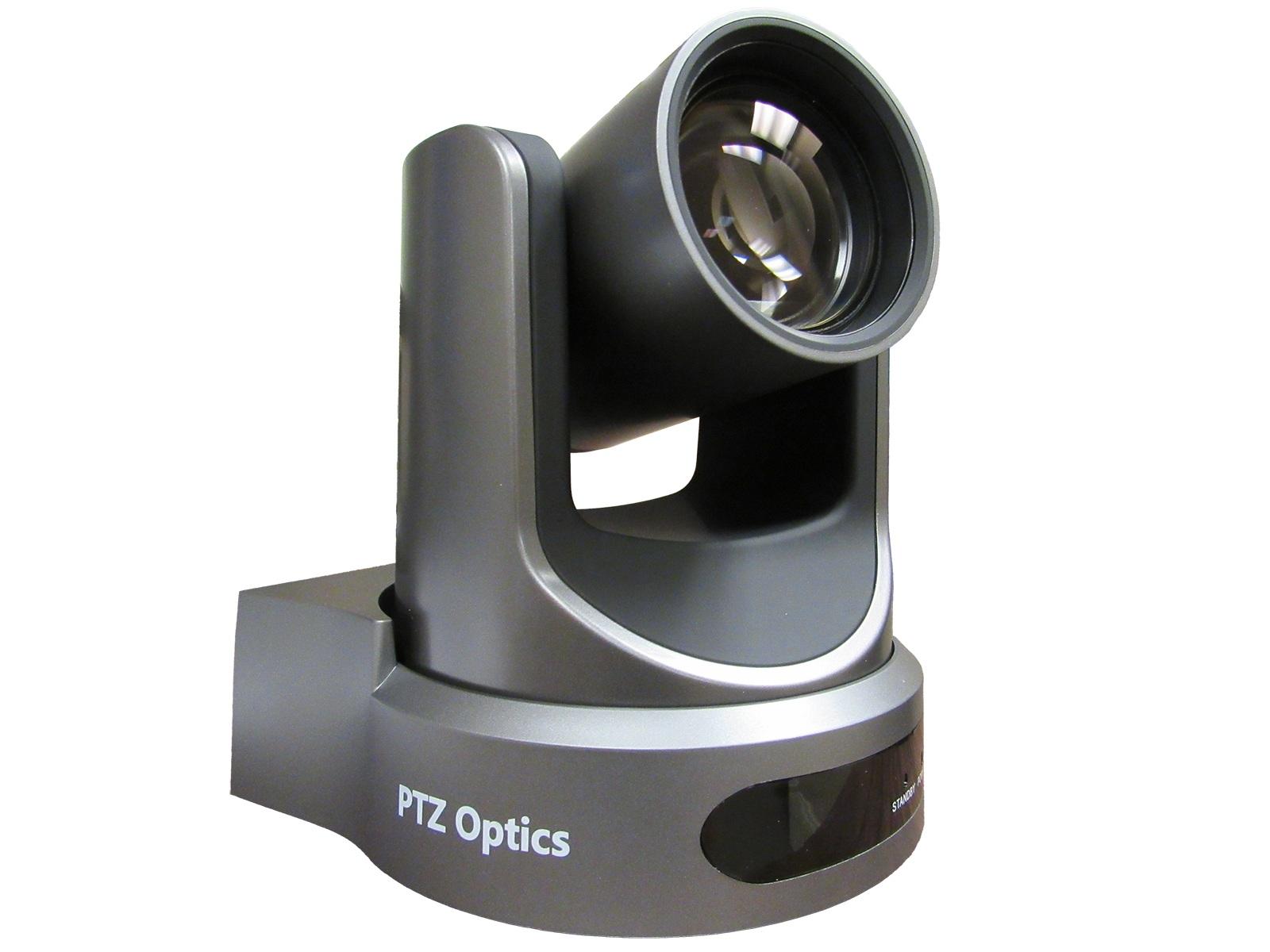
PTZ stands for Pan-Tilt-Zoom: cameras that can be remotely controlled to pan side-to-side, tilt up and down, and zoom in or out. PTZ cameras are used wherever the camera needs to follow action without an operator physically moving the camera: houses of worship (one camera covering pulpit, choir, and congregation views remotely), classrooms and lecture capture (the camera follows the instructor automatically or with a touch-panel preset), corporate boardrooms (presets for different speakers around the table), live events (multiple PTZ cameras controlled from a central operator position), and security applications. Modern PTZ cameras often support both broadcast and streaming workflows.
A streaming camera combines a camera, encoder, and network output in one device, ready to send live video directly to streaming platforms (YouTube, Facebook, Twitch, custom RTMP destinations) over a network connection. Regular cameras output video on HDMI or SDI and need a separate computer or hardware encoder to stream. Streaming cameras eliminate that step, making them simpler for one-camera streaming workflows: connect the camera to a network, configure the streaming destination, and go live. For more complex productions (multiple cameras, graphics, switching), you still need a separate switcher and possibly encoder, but the camera can output to standard production gear in those workflows.
You need a capture card whenever a camera signal must enter a computer's software pipeline for processing, recording, or streaming. The computer cannot accept HDMI or SDI directly through its standard ports; the capture card converts the camera signal into a format the computer's software can use (typically appearing as a USB camera to the operating system). If you only have a single camera and just need to stream, a streaming camera with built-in encoding can skip the computer entirely. For multi-camera production, graphics overlays, complex switching, or recording, a capture card plus computer plus production software is the standard architecture.
Common tools include OBS Studio (free and open source, widely used for personal and small-business streaming), vMix and Wirecast (commercial software for professional live production with more features and polish), and various platform-specific tools (Zoom for video conferencing, StreamYard for browser-based simple streaming, etc.). The right choice depends on the complexity of the production: OBS works for one or two cameras and simple graphics; vMix and Wirecast handle multi-camera switching, instant replay, graphics, and broadcast workflows. Many production setups combine multiple tools.
Video conferencing (corporate boardrooms, training rooms, telehealth, hybrid classrooms), broadcast and production (TV studios, OB trucks, live events of all kinds), houses of worship (capturing services for streaming, overflow rooms, and recordings), education (lecture capture, distance learning, hybrid classrooms, recorded courses), corporate events (live town halls, product launches, internal broadcasts, all-hands meetings), and content creation (podcasts, YouTube channels, streaming creators, online courses). The trend across all these environments is toward integrating live streaming with on-premises AV systems, which makes camera and streaming gear central to modern AV installs.

On order over $300 and more for US and US territory

We Offer a 30-Day Money Back Guarantee

Full manufacturer's warranty and quality assurance

Safe checkout with trusted payment providers